How to Do SEO for a Website: Step-by-Step Guide for Beginners (2026)
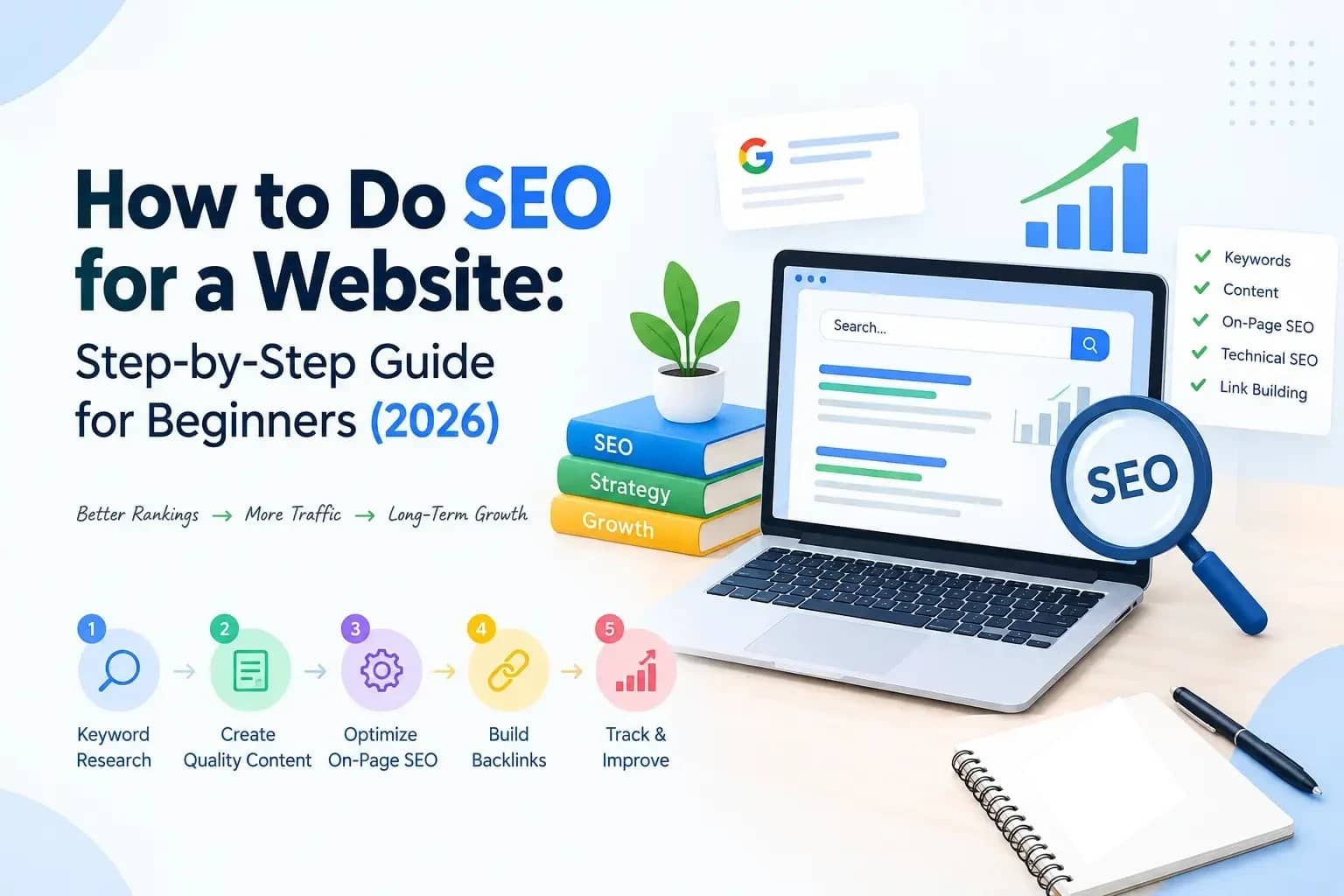
To do SEO for a website, make sure search engines can reach your pages, find out what your audience searches for, build your content around that, fix technical problems and track the results.
Here’s a situation we see all the time. A clothing brand sells good shirts and jeans online, yet Google sends almost nobody their way. Someone searches “men’s cotton shirts online” and the brand’s category page is nowhere to be found.
That’s an SEO problem, and it’s fixable. SEO isn’t stuffing keywords or publishing blogs and hoping something sticks. It’s understanding what people search for, organising your site clearly and writing pages that genuinely help. Here’s how we approach it at Modifyed Digital.
What Is SEO and How Does It Work?
SEO (search engine optimization) is the work of improving your website so it shows up more often in Google’s organic, unpaid results. Google handles every page in roughly three stages:
- Crawling: bots discover your pages by following links and reading sitemaps.
- Indexing: Google works out what a page is about and may add it to its index. Not every crawled page makes it in.
- Ranking: when someone searches, Google picks the most relevant, useful indexed pages and decides what order to show them in.
SEO helps at every stage. It can’t guarantee a specific ranking, and anyone who promises you one is guessing.
How to Do SEO for a Website in 12 Steps
Step 1: Check Your Website’s Current SEO Performance
Start by finding out what’s working and what’s broken. Searching site:yourwebsite.com gives a rough idea of what Google has indexed, but set up Google Search Console for the real picture. It’s free, and if you use just one SEO tool, make it this one. Check its indexing and Performance reports, and note issues like unindexed pages, broken links, missing titles or slow pages. Fix whatever stops your important pages from being found first.
Step 2: Research the Right Keywords for Your Website
Keyword research shows you the words people actually use, which often differ from the ones you’d use. List your main topics, then explore them in Google Keyword Planner, Google Trends, Ahrefs or Semrush. Search Console also shows the real queries already bringing you impressions.
Pay attention to search intent, the “why” behind a search:
| Search query | Intent | Suitable content |
| What is protein powder? | Informational | Educational blog |
| Best protein powder for beginners | Commercial research | Comparison guide |
| Buy whey protein online | Transactional | Product category page |
| MyProtein official website | Navigational | Official website |
Don’t just chase search volume. A smaller keyword that fits your business perfectly usually brings better visitors than a broad, loosely related one.
Step 3: Analyze Your SEO Competitors
Your SEO competitors are whoever ranks for your target keywords, not necessarily your business rivals. Study the top results: what type of pages rank, what they answer and what they miss. If every article on “how to choose running shoes” lists shoe types but none explains fit, that gap is your opportunity. You win by giving a better answer, not a longer one.
Step 4: Organize Your Website Structure
A logical structure, like Homepage → Men’s Clothing → Shirts → Cotton Shirts, helps visitors and search engines find things. Keep URLs readable (example.com/mens/cotton-shirts/, not example.com/category?id=78452). Don’t change existing URLs just to tidy them, though. If one has to change, add a 301 redirect. Skipping that is one of the most common ways we see sites lose traffic after a redesign.
Step 5: Optimize Your Website’s On-Page SEO
Most on-page SEO work can be done in your CMS without a developer.
- Title tags: describe the page clearly. “Website Design Services for Small Businesses” beats “Services | Home.”
- Meta descriptions: they aren’t a ranking factor, but they’re often your search snippet, so tell people what they’ll get.
- Headings: use H1, H2 and H3 to organise ideas, not to cram in keywords.
- Keywords: use your main keyword where it fits naturally, then stop. Stuffed copy reads like a robot wrote it.
- Images: use descriptive file names, write helpful alt text and compress your files.
Step 6: Create Helpful, High-Quality Content
Work out the main question each page has to answer. Someone searching “how to start a vegetable garden” wants to know what to buy, what to plant, when to plant it and what to avoid. Answer that clearly, and add something other sites lack: real experience, original photos or a clearer explanation. Update pages when the facts change, not just the date. Our guide to content marketing goes deeper into planning content that ranks.
Step 7: Improve Your Website’s Technical SEO
Make sure your important pages load properly, aren’t set to noindex, aren’t blocked by robots.txt and can be reached through internal links. Submit an XML sitemap in Search Console, run the whole site on HTTPS, use canonical tags for duplicate URLs and fix broken links.
Step 8: Make Your Website Mobile-Friendly and Improve Speed
Google mainly uses the mobile version of your site for indexing, so it has to work well on a phone. Test your key pages in PageSpeed Insights against the Core Web Vitals:
| Metric | What it measures | Good threshold |
| Largest Contentful Paint (LCP) | Loading | 2.5 seconds or less |
| Interaction to Next Paint (INP) | Responsiveness | 200 milliseconds or less |
| Cumulative Layout Shift (CLS) | Visual stability | 0.1 or less |
Compressing images, removing unused scripts, enabling caching and using reliable hosting usually help most. If your theme or platform is the real bottleneck, a website rebuild may do more than any plugin. Good scores won’t carry a weak page on their own, though.
Step 9: Add Internal Links and Earn Quality Backlinks
Internal links connect your own pages, so use descriptive anchor text like “learn how meta tags work” instead of “click here.” Backlinks from other websites, the heart of off-page SEO, are earned through original research, useful guides, expert contributions and real press coverage. Never buy links. A few relevant links from credible sites beat hundreds from anywhere.
Step 10: Optimize for Local SEO if Your Business Serves a Location
For clinics, restaurants, salons and other local businesses, local SEO starts with your Google Business Profile. Keep your address, phone number, hours and photos accurate. Create location pages only for places you genuinely serve, and ask happy customers for honest reviews.
Step 11: Prepare Your Website for AI-Powered Search
Google’s AI Overviews and AI Mode now answer many questions directly. There’s no special trick for appearing in them, and Google says normal SEO best practices still apply. Keep your content crawlable, answer questions directly, publish original insights and use structured data correctly. For brands that want to go further, answer engine optimization (AEO) builds on these basics.
Step 12: Track Your SEO Results and Make Improvements
Use Search Console to watch impressions, clicks and queries, and Google Analytics 4 to see what visitors do once they arrive. A page with lots of impressions but few clicks may just need a better title. Above all, measure enquiries and sales, not just rankings.
How Long Does SEO Take to Work?
There’s no fixed timeline. Technical fixes can show up within weeks, while growth on competitive topics usually takes months. We’ve broken this down by sector in how long SEO takes in India. Be wary of anyone promising first-page rankings by a set date.
Common SEO Mistakes to Avoid
- Ignoring search intent: the right keyword on the wrong type of page won’t perform.
- Keyword stuffing: it makes your writing awkward and helps nobody.
- Overlooking technical issues: great content can’t rank if Google can’t index it.
- Buying cheap links: it breaks Google’s policies and can backfire.
- Changing URLs without redirects: a quick way to lose rankings you’ve already earned.
Quick Website SEO Checklist
- Set up Google Search Console and Google Analytics 4
- Check that your important pages are indexed
- Map one main keyword to each page
- Write clear titles, meta descriptions and headings
- Fix broken links, HTTPS and mobile issues
- Add internal links between related pages
- Track clicks, enquiries and sales every month
Frequently Asked Questions
Set up Google Search Console, check that your important pages are indexed, research your audience’s keywords and fix anything stopping Google from reaching your pages.
Make sure Google can crawl and index your pages, target keywords that match what your audience searches for, publish content that answers those searches better than competing pages, and earn a few relevant links. Nobody can guarantee a specific position, but these basics are what move rankings.
Yes. Most of the basics need no coding and can be done with free tools like Search Console, GA4 and PageSpeed Insights. Outside help makes sense for complex technical issues, large online stores or very competitive markets.
They do different jobs. SEO builds long-term organic visibility, while paid ads bring quick results only while you keep paying. Many businesses use both.
Yes. For a small business, SEO is one of the few channels that keeps bringing in customers without paying for every click. Start with your service pages, your Google Business Profile and a handful of articles answering questions your customers already ask.